




















How To Read Making Sharp Images

A reader asked about the best way to approach my Making Sharp Images. It’s a large body of work, and could be intimidating, which is why I structured it as I did: start with carefully chosen examples suitable for anyone, then delve into supporting details as one’s interests advise.
In general, content in the left column and towards the top is more introductory, with more in-depth content found in the right column, or towards the bottom. Starting with the Getting Started, All About Blur and Bokeh sections is a gentle way to approach a very large topic.
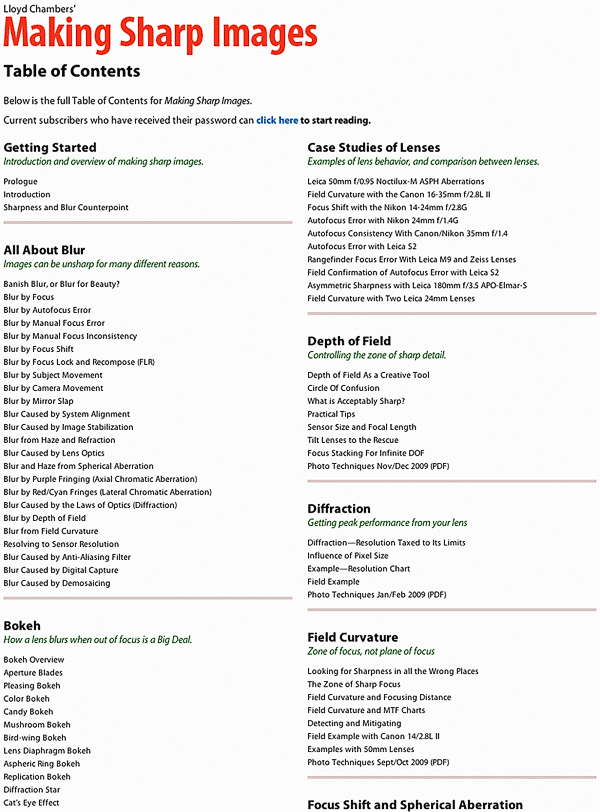
Top portion of the Making Sharp Images table of contents