






















A photographer’s workstation

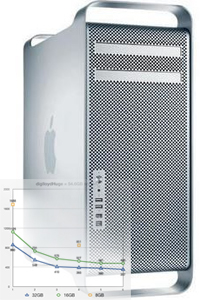
Join me at B&H Photo in New York city on September 16 from 3-5pm for A Photographer’s Workstation. Details and signup are not yet posted at B&H Photo, but will be soon, both at B&H and here.
You’ll see exactly how to:
- Install an internal solid state drive (SSD) as the boot (startup) drive.
- Install memory and hard drives;
- Install system software to minimize bloatware and cruft.
- Computer hygiene — separate system and applications from your data;
- Create a striped RAID for high performance, including a blazingly-fast scratch volume and high-performance main volume.
- Create a RAID mirror for reliability;
- Configure Time Machine for automated backups.
- Clone a drive including your system drive;
- Configure Adobe Photoshop and Adobe Lightroom for optimal performance, including plugins and preferences.
- Monitor performance, including memory usage, disk speed and CPU usage to verify that the system is performing optimally.
- More!
